Cleanup/Prep: Marker Removal
Objective
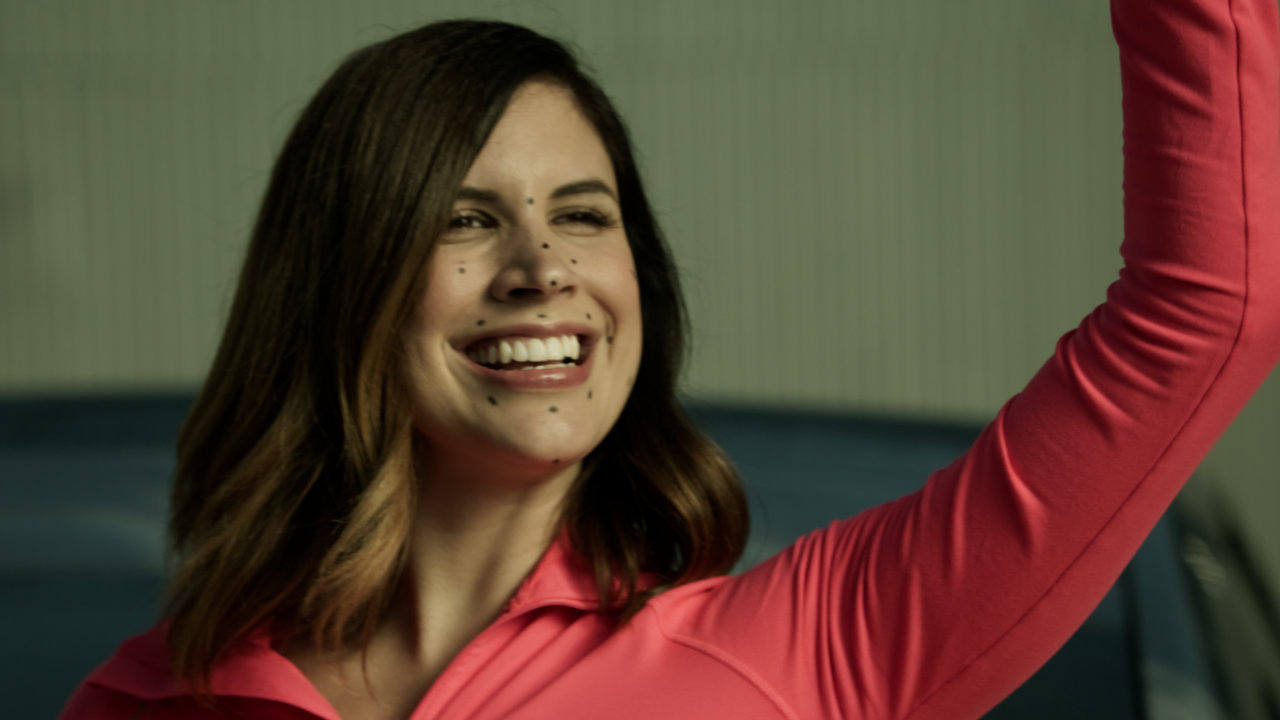
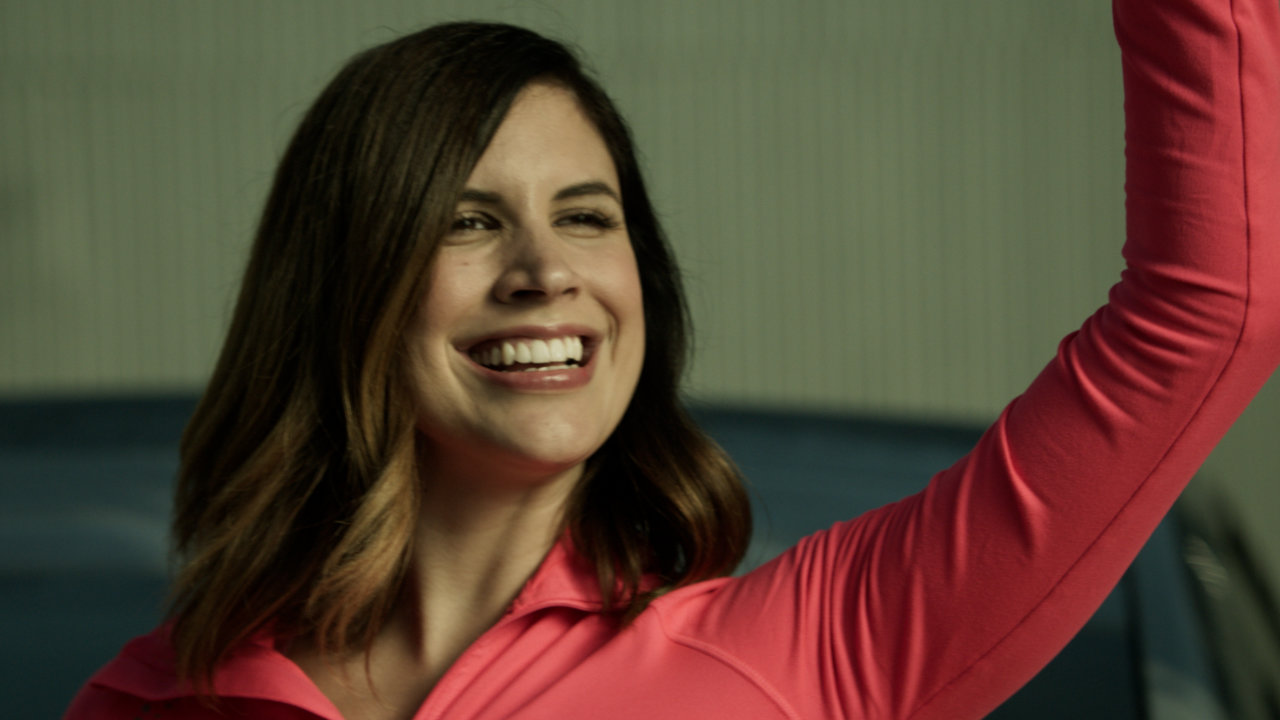
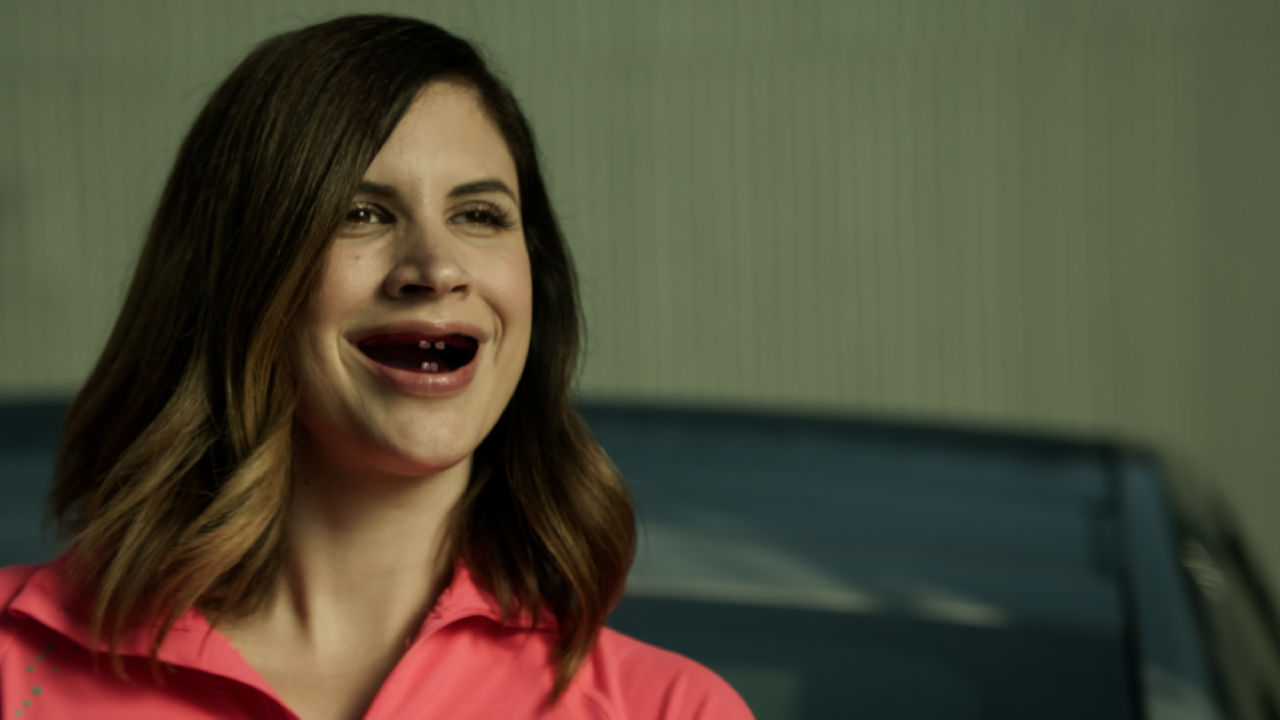
Remove the tracking markers on the actor's face. Integrate the CG version of her mouth.
Shot Analysis
My first goal here was to analyze the shot multiple times to get a general sense of everything that was going on. Here are some challenging areas I noted:
- Some tracking markers were obscured in the actor's movements, like in the smile lines.
- There was a change in luminosity on her face from the waving of her hand.
- A multi-point tracker might not encompass many markers because of their unique movement with the smiling action.
- There was significant motion blur on the tracking markers in multiple frames.
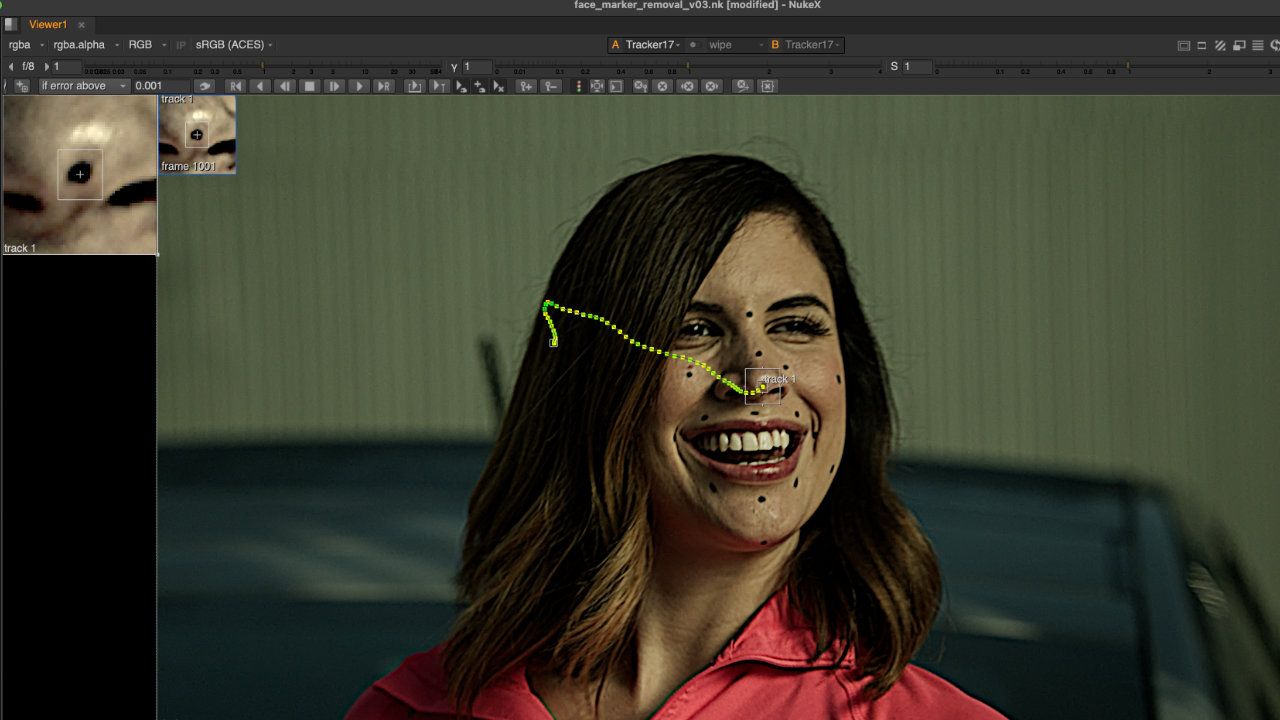
As there wasn’t any parallax in the shot, I determined that a 2D tracker could be used for this cleanup process.
Shot Prep
The first step here was to degrain the shot, so as not to manipulate the original grain of the plate in removing the tracking markers.
Before tracking each marker, I used a HighPass node to increase the contrast of the image for an accurate track.
Cleanup
For the removal of the tracking markers, I used a combination of RotoPaint, InPaint, and Transform Masked nodes. I also had to use a Grade node for certain markers to account for the change in luminosity on her face as the actor waved her hand. And finally, I used roto shapes and premultiplied the marker areas to merge over the original plate, changing the minimal amount of pixels necessary.
CG Integration
I then added the CG elements for the inner mouth, tongue, and teeth -- carefully masking the unnecessary area with a roto.
Afterwards, I did a careful grading of the CG elements to integrate them photrealistically into the plate. Lastly, I added the lens distortion of the plate to the CG elements.
Finishing Touches
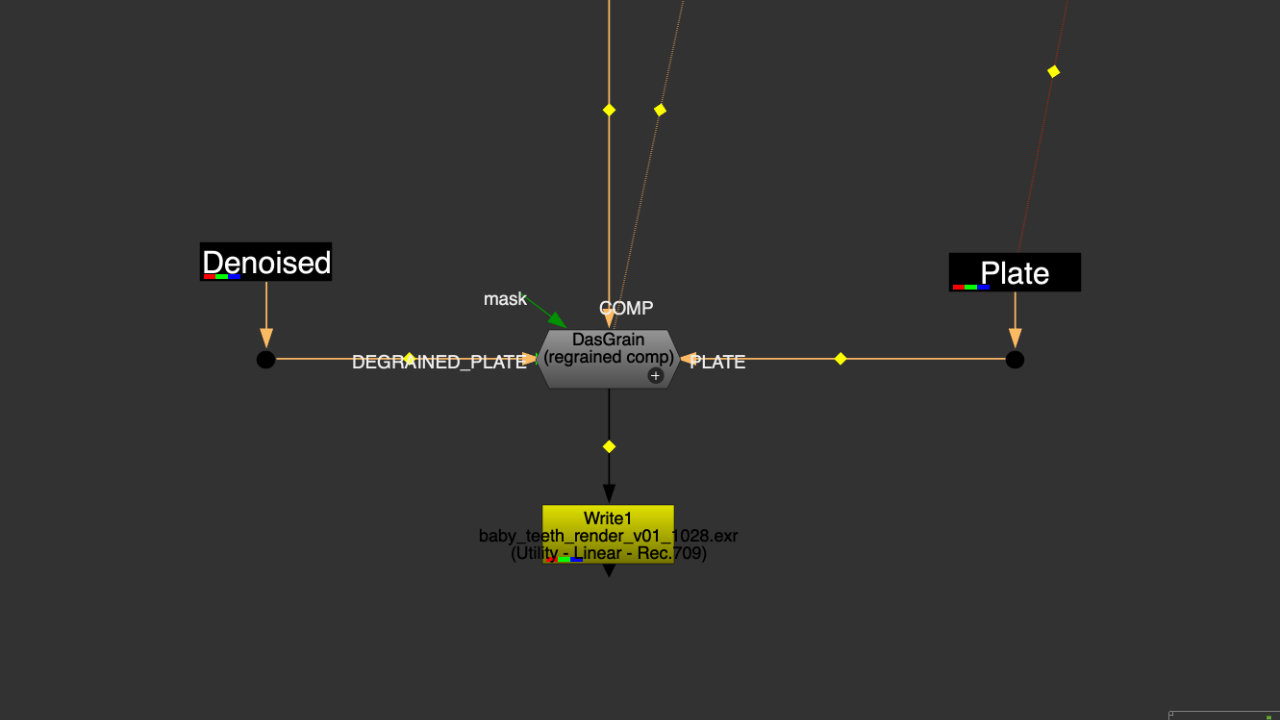
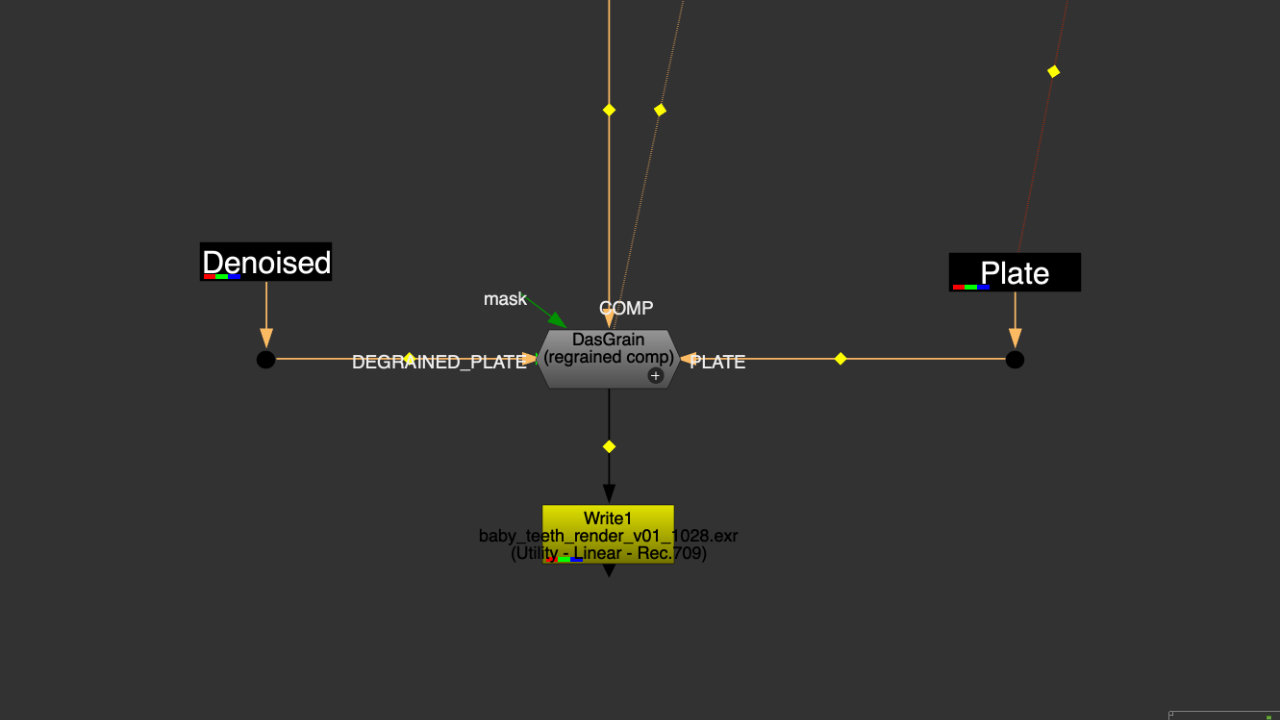
Finally, I added motion blur and a slight defocus to the CG elements to match the plate, then used the DasGrain node to add the original grain pattern of the plate to the composited shot.
Tools Used