Green Screen Keying
Objective
To key the subjects from the green screen and integrate them into a new background image.
Shot Analysis
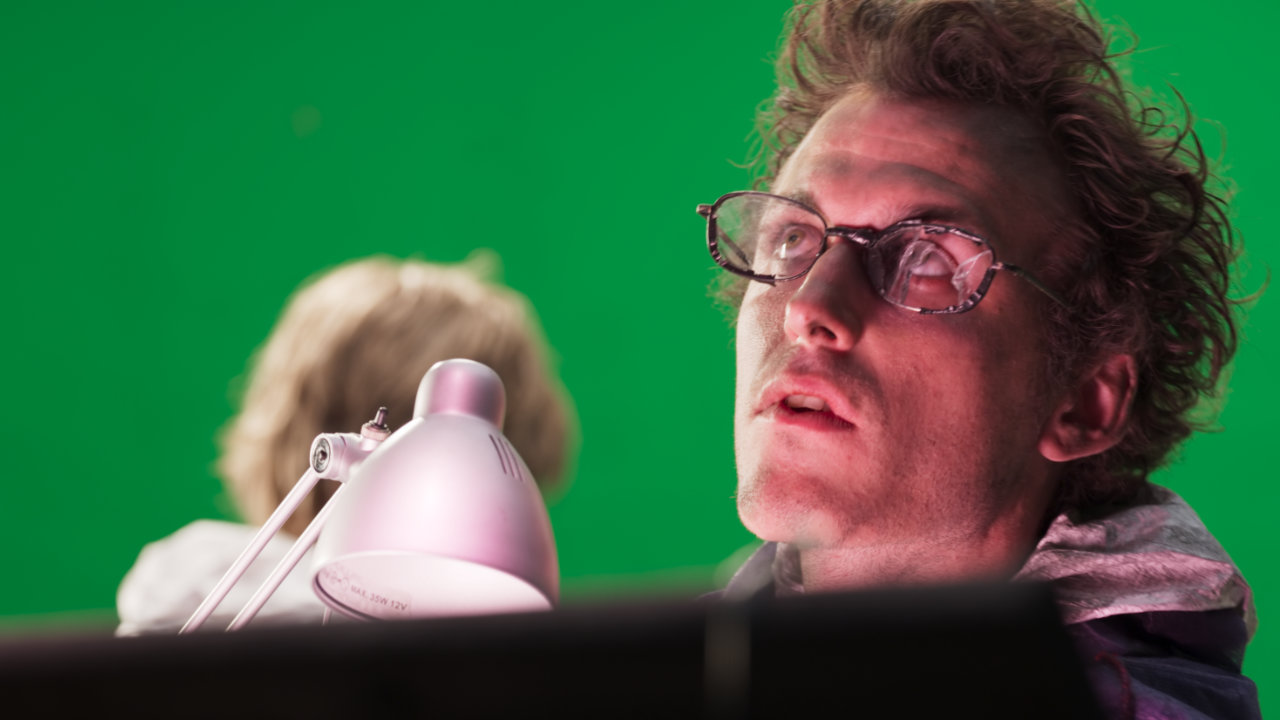
As always, my first step was to analyze the shot multiple times to get a general sense of everything that was going on. Here are the potential problem areas I noted:
- Different amounts of defocus between the FG and BG actors.
- Intermittent change in luminosity on the BG actor’s hair.
- Significant camera push and zoom towards the end of the shot.
- The distracting label on the inside of the desk lamp needed to be cleaned up.
Shot Prep
The fundamental first step here was to degrain the plate, so as to get the cleanest alpha matte extraction possible, avoiding noise and artifacts.
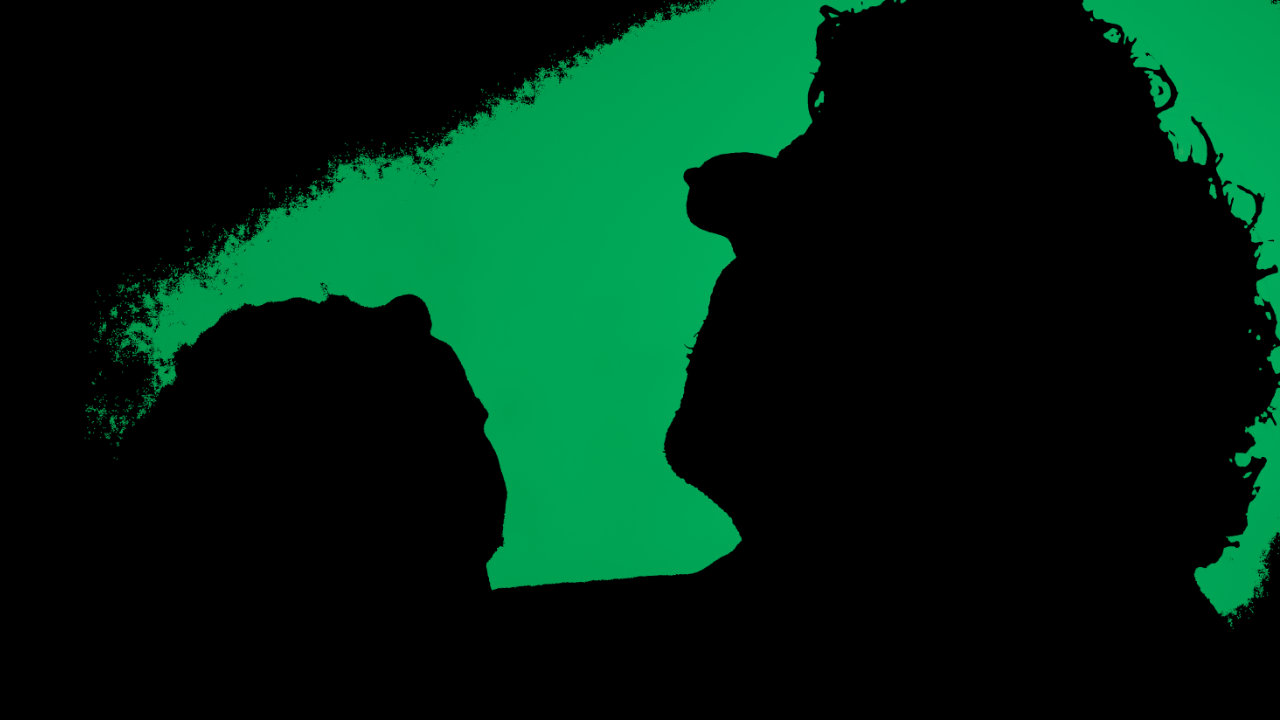
I then used a combination of IBKColour, Inpaint (using an inverted alpha), and the PxF_ScreenClean to create a uniform, clean green screen for easier keying.
Alpha Creation
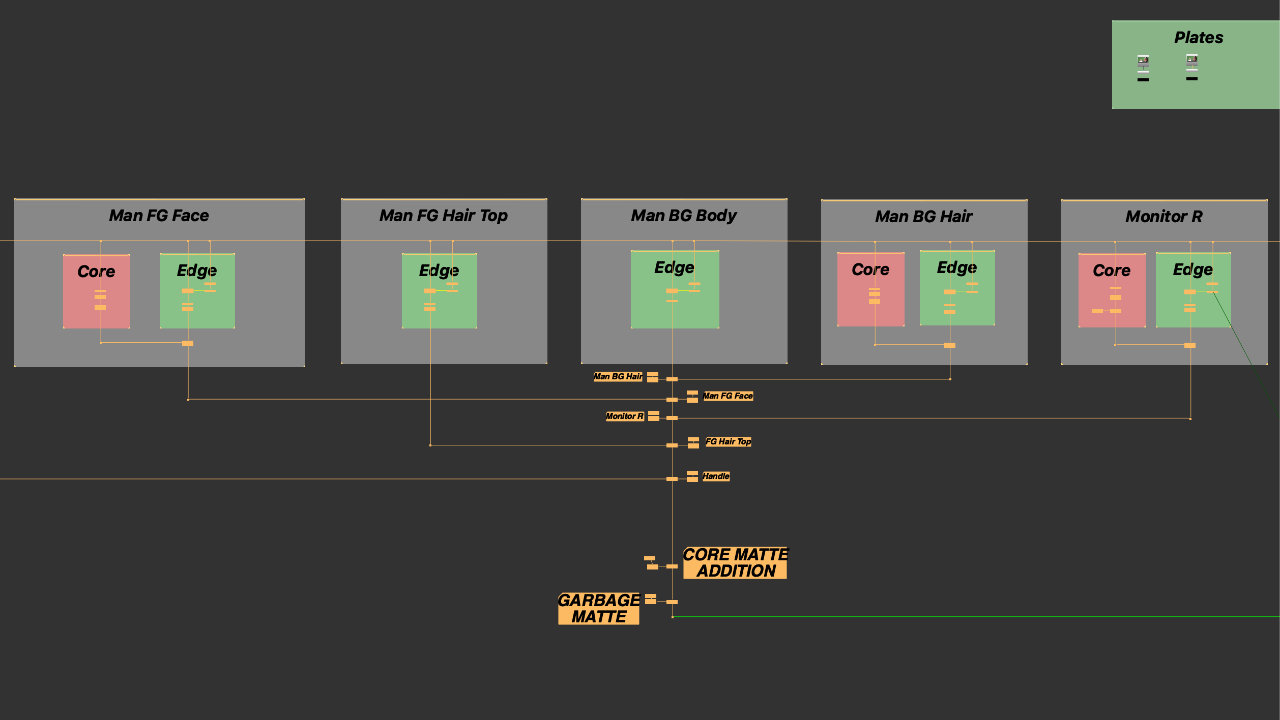
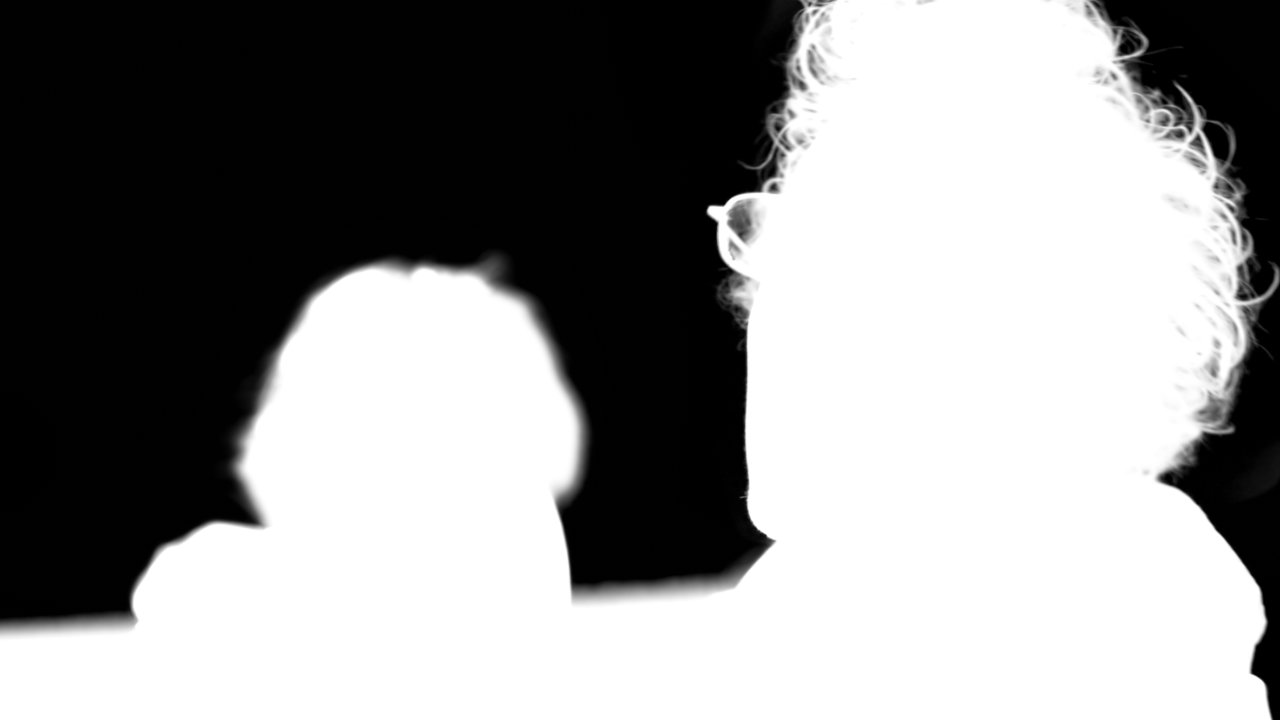
The first thing I did here was to create the edge key. I compared the results between IBKGizmo and Keylight and found that Keylight gave a slightly better key.
The next step was creating the core matte, which I performed either with the Primatte node or the Keylight node, and adding some erode.
Finally, I cleaned up any unnecessary alpha using a garbage matte, keeping it as procedural as possible.
Despill
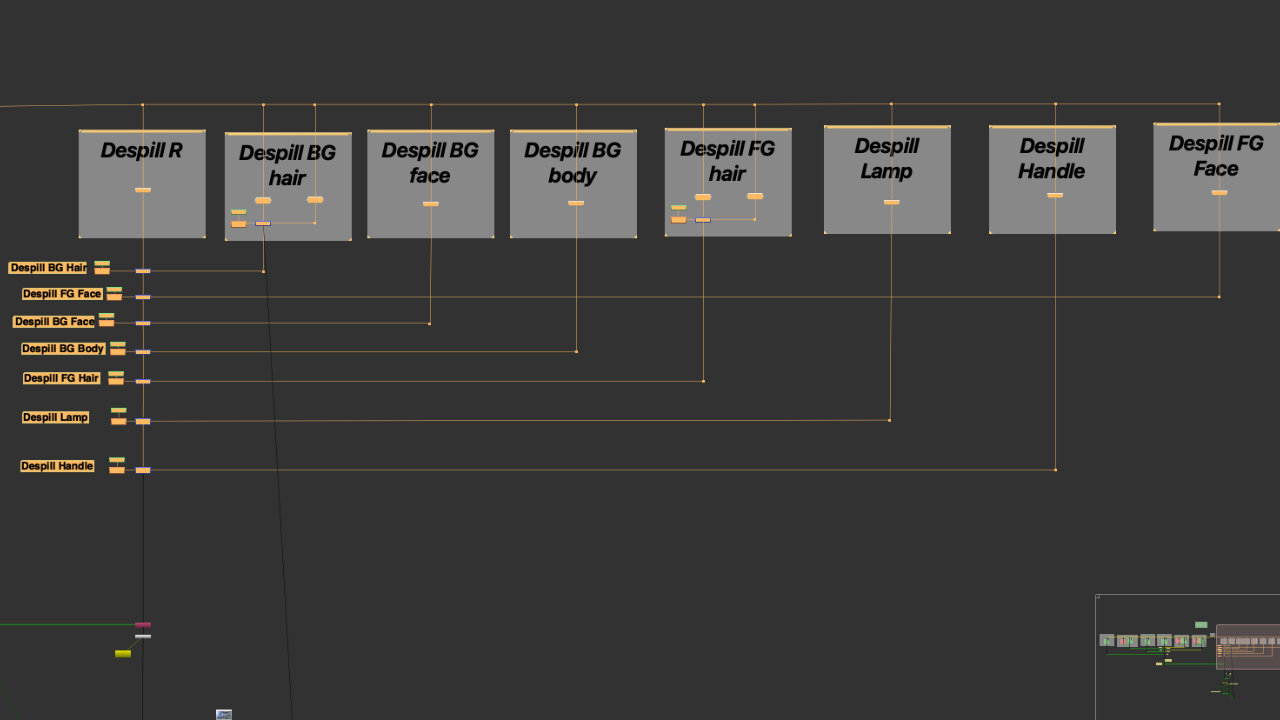
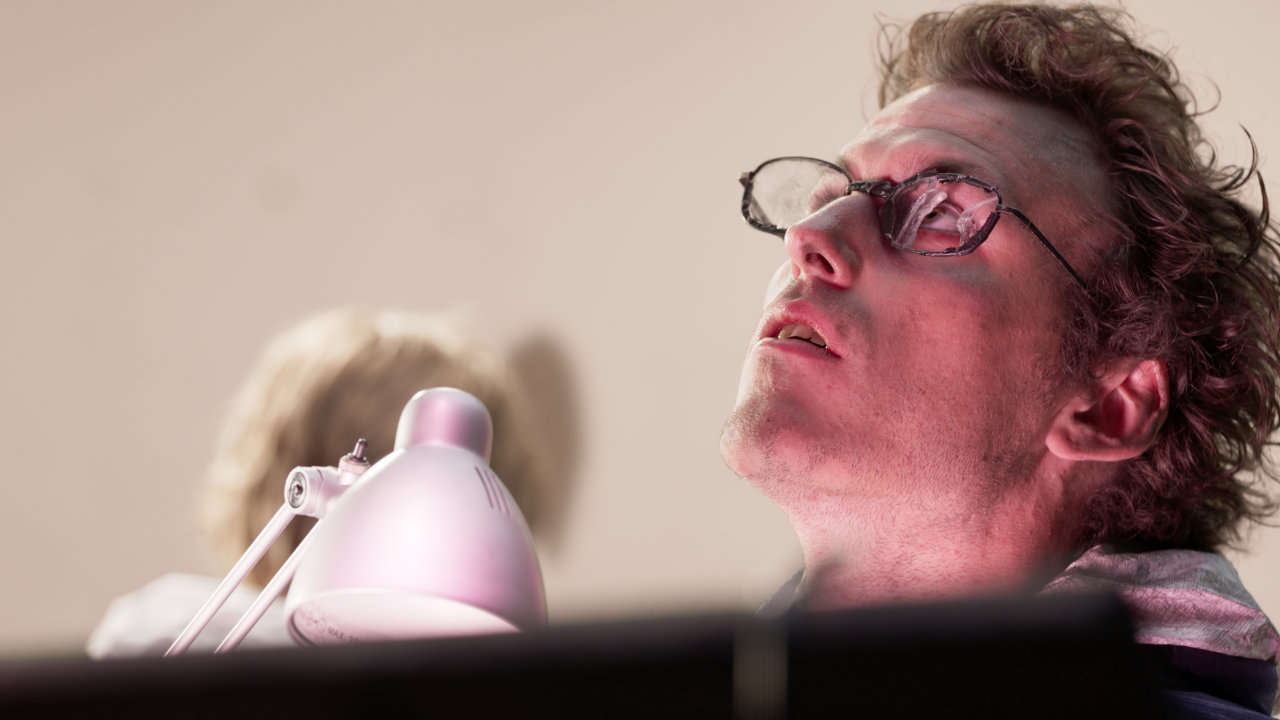
Because of the variation in BG color and in the defocus of the subjects, I made sure to create despill on the extracted subject in sections and layers. This ensured that the subject integrated well with the background image. I used a combination of APDespill and DepsilltoColor.
Integration
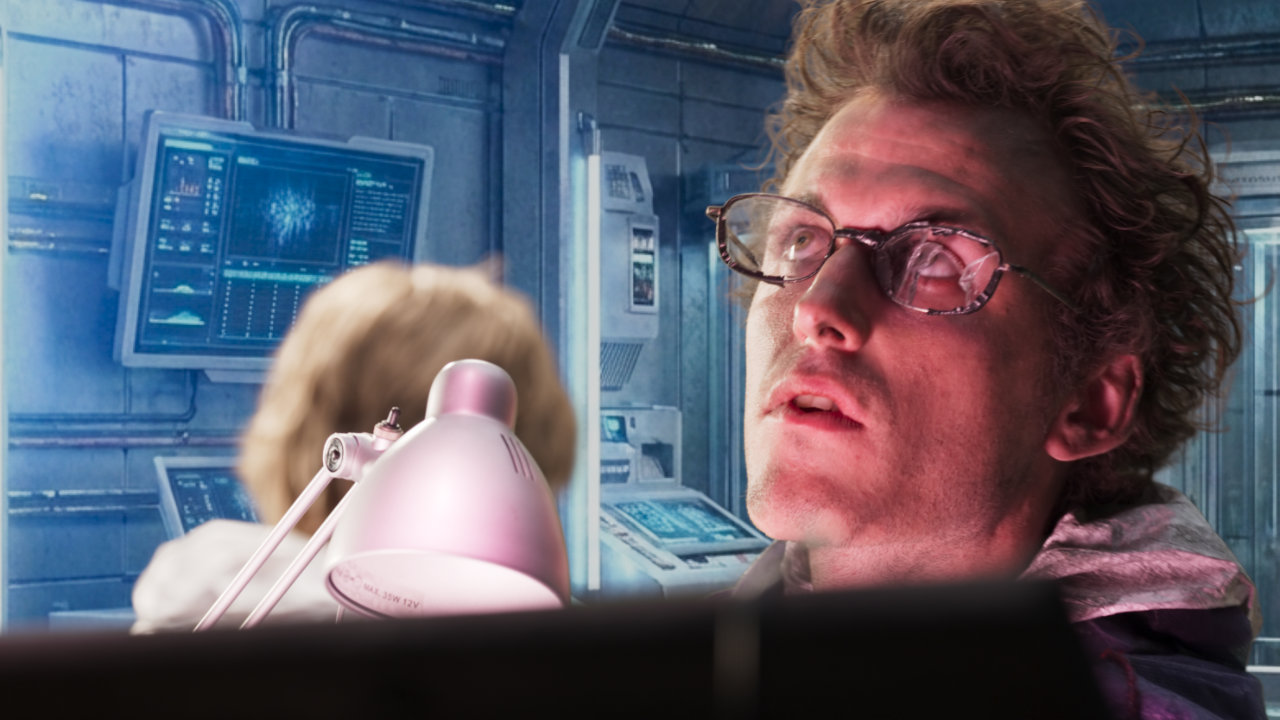
Using the keyed plate as the point of reference, I graded the background image to match the overall blacks and highlights to give a photorealistic appearance. I also made sure that the defocus of the background was greater than that of the BG actor. Additionally, I added a graded roto with glow to create a motivated light source for the intermittent light on the BG actor’s hair.
Additive Key
For the hair, I used some multiplication and lift to restore some lost hair detail onto the BG image.
Self QC
At all times during the keying process, I checked the comp against the original plate to make sure that no details were lost. I also checked the key or despill against the final comp to view the changes within the context of the final image.
Finishing Touches
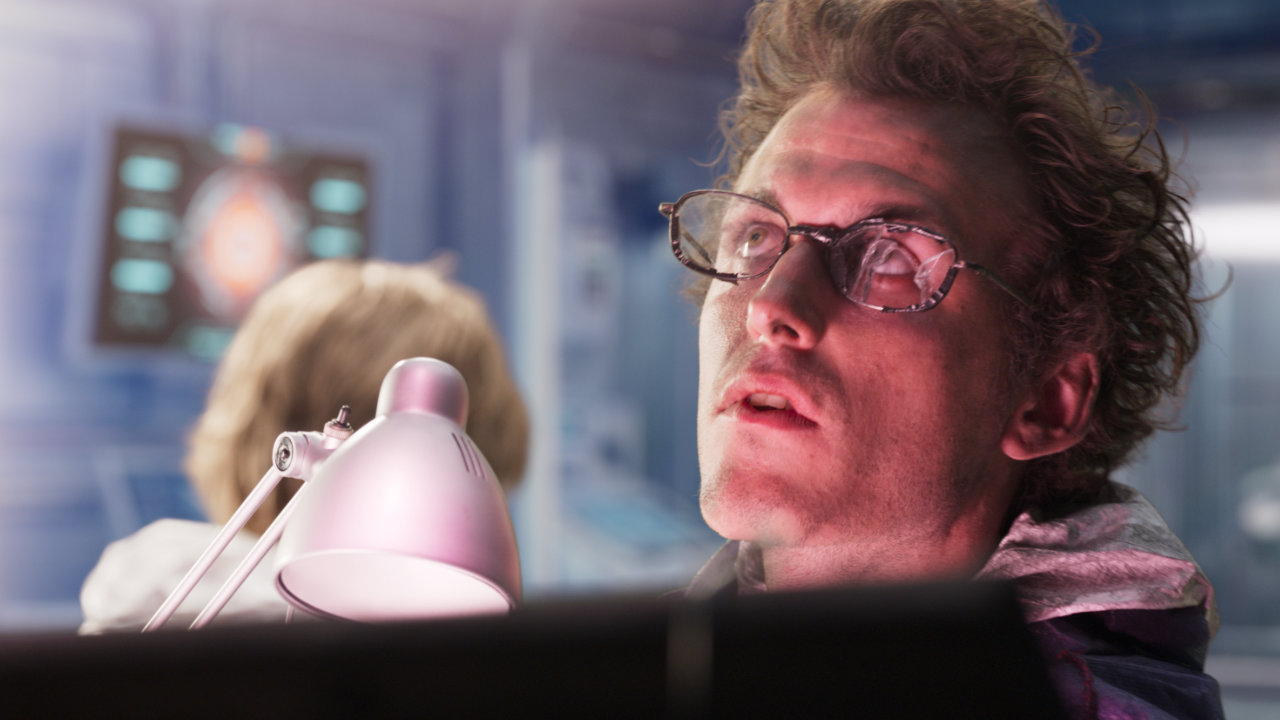
To give more life to the background image, I added some rotos and grading to create lighting. I also added some screen replacement to the monitors in the static image to give it some movement.
Finally, I used the DasGrain node to incorporate grain into the composited shot.
Tools Used